Best Way to Monitor AI Referrals
Best way to monitor AI referrals: combine AI recommendation checks with analytics, conversion events, logs, and a monthly local-business workflow.
By RankSimply ·
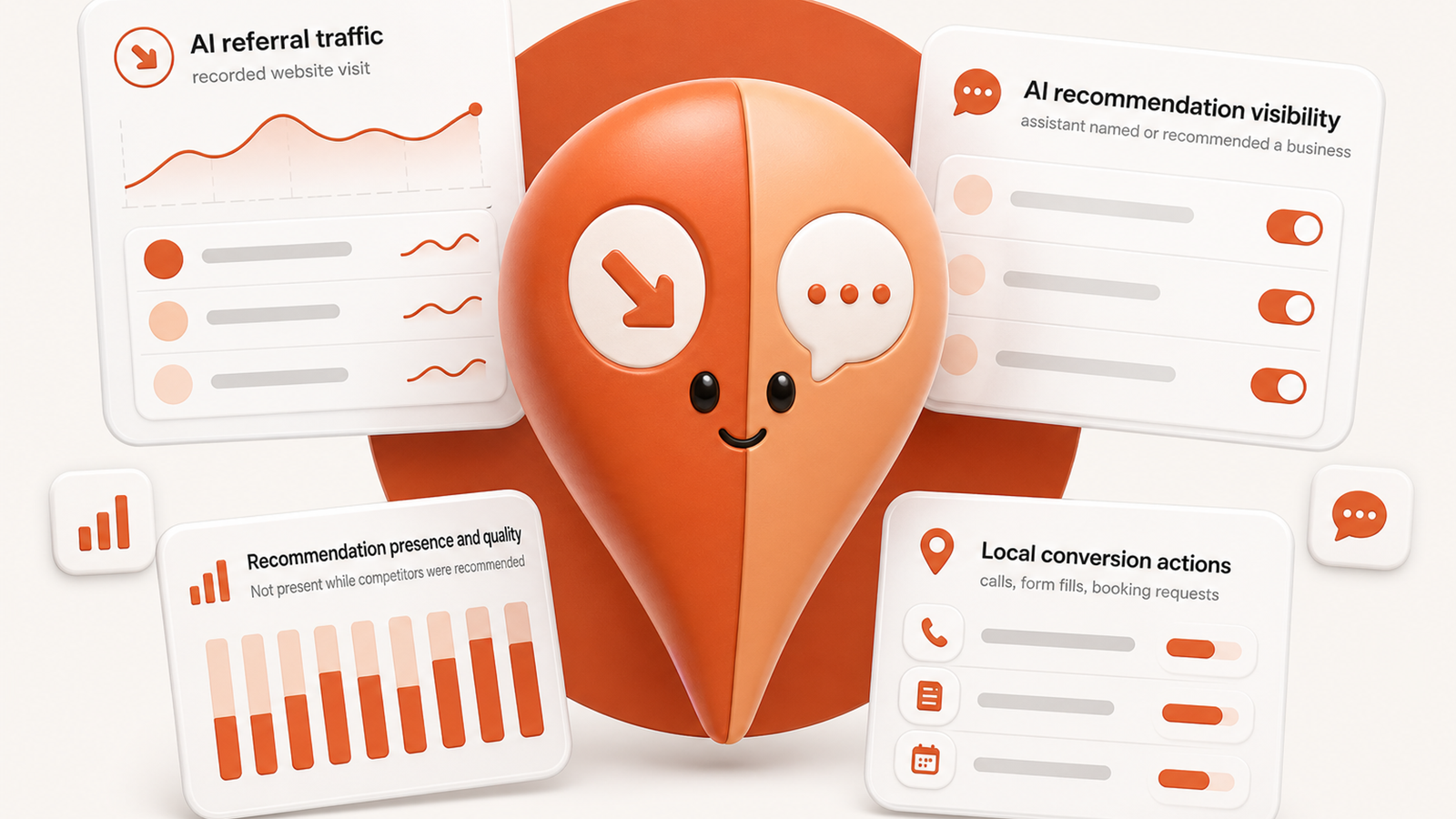
Quick answer: The best way to monitor AI referrals is to measure two separate signals: visits that analytics can attribute to AI sources and the recommendations AI assistants make before a customer clicks. RankSimply monitors local-business recommendations across AI assistants and Google while you use your analytics and CRM data to connect recorded visits with leads and revenue.
Referral analytics and AI recommendation monitoring answer different questions. Analytics shows recorded sessions, landing pages, and tracked conversion actions. Recommendation monitoring shows whether ChatGPT, Gemini, Claude, Perplexity, Copilot, Grok, and Google AI Overviews mention or recommend the business for the prompts and markets that matter. Put the two views beside call, form, booking, and qualified-lead data to make decisions from evidence rather than one blended AI-traffic number.
How should a local business monitor AI referrals?
A local business should monitor AI referrals with a two-layer system: use web analytics and conversion records for attributable visits, then repeatedly check whether AI tools recommend the business for priority service-and-location questions. Compare both layers monthly against calls, form fills, bookings, direction requests, and qualified leads where those actions are tracked.
This approach separates an observed recommendation from a measured website visit. A customer can see a business in an AI answer, search for the name later, call from a map listing, or visit the site without a recognizable AI referrer. Conversely, an AI-referred session only proves that an analytics platform recorded a visit with that source information; it does not reveal every earlier touchpoint in the buyer journey.
Use one reporting sheet or dashboard with these columns:
- Platform and prompt: for example, an emergency service query in a defined market.
- Recommendation result: recommended, cited without recommendation, mentioned, or absent.
- Competitors and sources shown in the answer, when visible.
- Recorded referral sessions and landing pages.
- Conversion actions: calls, forms, bookings, direction requests, and qualified leads.
- Changes made: profile corrections, review work, citation cleanup, schema changes, or content updates.
What is the difference between AI referral traffic and AI recommendation visibility?
AI referral traffic is a recorded website visit that arrives with an AI-related referrer or source identifier, while AI recommendation visibility is evidence that an assistant named or recommended a business in an answer. Referral traffic measures some clicks; recommendation visibility measures pre-click discovery and can exist even when no visit is recorded.
The terms are easy to blend together, so define them before choosing metrics:
| Term | Meaning | What it can show |
|---|---|---|
| AI referral | A website session recorded with an AI-related referral source | Attributable visit and landing page behavior |
| AI citation | A source or link included in an AI answer | A page or source was surfaced, not necessarily recommended |
| AI recommendation | An answer names the business as an option or provider | Presence in a buyer-facing shortlist or direct answer |
| Direct traffic | A session without a recorded referring source | Unattributed traffic; it can include typed URLs, bookmarks, apps, and lost referrer data |
| Assisted conversion | A conversion preceded by another recorded marketing interaction | A recorded path involving more than one channel touchpoint |
| Branded search lift | An increase in searches for the business name or distinctive brand terms | Rising brand interest, not proof of one source of demand |
A citation is not automatically a recommendation. An AI answer may cite a directory, article, or government page without naming your business. A recommendation can also appear with no clickable link. For local operators, that distinction matters because the customer may choose to call, request directions, or search the company name rather than click a website link.
Which AI referral metrics should a local business track?
Track AI-related sessions, engaged sessions, landing pages, tracked conversion actions, qualified leads, recommendation presence, citations, and competitor appearances by platform, prompt, and market. Keep raw counts separate from rates so a change in website traffic does not hide a change in how often the business is recommended.
Start with a small set of metrics that your team can act on:
Recorded traffic and on-site actions
Review sessions attributed to identified AI sources, engaged sessions, key-event completions, and the pages visitors first reach. Segment each source separately when your analytics data supports it. A service page, location page, and general homepage can have very different intent and conversion behavior.
Local conversion actions
Track calls, form fills, booking requests, direction requests, and qualified leads where your website, call-tracking system, CRM, or booking platform records them. Define a qualified lead in operational terms—for example, a service request in an active service area—so the report does not treat every form submission as equal.
Recommendation presence and quality
For every priority prompt, record whether the business was:
- Directly recommended.
- Included in a shortlist.
- Mentioned without an endorsement.
- Cited as a source only.
- Not present while competitors were recommended.
Also record the market, date, exact prompt, platform, and visible sources. This creates a baseline that remains useful after the answer changes.
Demand signals that support the picture
Review branded-search trends in Search Console, calls and bookings by date, and changes in local-pack visibility. These indicators help investigate whether more people are looking for the business after recommendation visibility improves, but they should remain separate measures rather than being counted as AI-attributed revenue.
How can you find AI referrals in GA4, Search Console, and server logs?
Find identifiable AI referrals by reviewing session source and medium in GA4 or another analytics platform, filtering known AI-related referral values that appear in your data, and checking the landing pages and events tied to those sessions. Use Search Console for Google Search demand and server logs for requests that reached your server; neither replaces prompt-level recommendation monitoring.
Build a practical GA4 exploration
In GA4, create an exploration using session source, session medium, landing page, sessions, engaged sessions, and your configured key events. Start with the referral values that actually appear in your property rather than importing a long list of assumed platform domains.
Then apply three checks:
- Inspect source and medium values. Look for identifiable AI-related referrals in the acquisition data.
- Compare landing pages. Identify whether visitors arrive on service pages, location pages, blog posts, or the homepage.
- Compare key events. Check calls, forms, booking starts, and other configured conversion actions for each identifiable source.
If the same values appear consistently, group them in a custom channel group or saved exploration. Preserve the original source values in the report, however. One combined “AI traffic” channel can conceal meaningful differences between assistants and landing pages.
Search Console adds a different view: Google Search queries, impressions, clicks, and pages. It can show shifts in branded demand or local service-page interest, but it does not identify all AI recommendation exposure. Server logs can confirm requests that reached your site and reveal recorded user-agent activity, yet they cannot show a customer who saw a business recommendation and never clicked.
What should you do when an AI platform does not pass referral data?
When an AI platform does not produce a recognizable referral source, treat the visit as unattributed in analytics and investigate it with supporting evidence rather than forcing it into an AI channel. A missing AI referrer does not prove that AI generated no influence or no visits; it means the analytics record cannot identify that source for that session.
Use triangulation around a defined time period and prompt set:
- Check whether recommendation visibility changed for high-intent prompts in the same market.
- Review direct traffic, branded-search queries, calls, bookings, and form submissions for a corresponding movement.
- Ask leads a short, consistent “How did you hear about us?” question when staff can capture it reliably.
- Review CRM notes or call recordings for self-reported discovery sources, if those records are already part of your sales process.
- Compare the same periods against seasonality, promotions, paid media, press coverage, and other changes that could explain demand.
This does not turn unattributed traffic into proven AI traffic. It produces a documented explanation of what changed, what evidence supports the hypothesis, and what action the business will take next.
How can you monitor whether AI assistants recommend your business?
Monitor AI recommendations by running the same priority prompts across selected assistants and Google AI Overviews, recording the business names, citations, answer wording, market, and date. For a local business, prompt-level tracking should focus on service, intent, and location combinations that can create calls, bookings, or direction requests.
Manual checks work for a narrow prompt set. Use a repeatable record so different staff members do not compare unlike answers. A useful prompt log includes the query, platform, location or service area, date, business presence, recommendation type, competitors named, sources shown, and follow-up question used.
RankSimply supports selected prompt monitoring across ChatGPT, Claude, Gemini, Perplexity, Grok, Copilot, and Google AI Overviews. Its Google AI Overview tracking records whether an overview appeared, the brands and sources shown, and changes across repeated queries and markets. This lets local teams keep a recommendation baseline beside local-pack and organic context instead of treating all AI surfaces as one score.
The next question is operational: why does a competitor appear when you do not? Check whether the answer exposes gaps in business facts, profile completeness, reviews, citation consistency, service-page coverage, schema, or local authority. For example, see how to clean up local citations for AI search when AI answers repeat outdated business information.
Which measurement method answers each AI visibility question?
No single measurement method answers every AI visibility question. Use analytics for recorded visits, CRM and call records for lead outcomes, prompt monitoring for recommendations, and server logs for site-request evidence. The useful system assigns each question to the evidence source that can actually answer it.
| Data source | Primary question answered | Useful local metrics | Main limit |
|---|---|---|---|
| GA4 or web analytics | Which recorded visits came from identifiable AI sources? | Sessions, landing pages, key events | Cannot reveal unrecorded referrals or no-click exposure |
| Server logs | Which requests reached the site? | Requests, URLs, user agents | Does not show customer intent or offline conversion |
| CRM or call tracking | Did a lead become qualified or booked? | Qualified leads, calls, bookings | Depends on consistent source capture |
| Search Console | Did Google Search demand change? | Branded queries, clicks, pages | Does not show AI-answer presence |
| AI recommendation monitoring | Is the business recommended for priority prompts? | Presence, citations, competitors, sentiment | Does not prove clicks or revenue |
The monitoring approaches also differ in setup and decision value:
| Approach | Best for | Setup effort | What it misses |
|---|---|---|---|
| Referral analytics | Identifiable visits and on-site actions | Moderate | No-click recommendations and lost referrers |
| Manual AI prompt checks | Small, high-priority prompt sets | Ongoing manual work | Broad coverage and consistent history |
| AI recommendation monitoring | Repeated platform, prompt, and market checks | Tool or service setup | Website conversion attribution |
| Server logs | Confirming site-request evidence | Technical access | Buyer context and offline outcomes |
| CRM attribution | Lead quality and sales outcomes | Process discipline | Unrecorded early discovery |
Traditional local rank tracking remains useful for local-pack and organic positions. It does not answer whether an assistant recommended a business in a generated response, which source it cited, or which competitors appeared in that answer. Keep those metrics separate, then review them together when choosing what to improve.
How should you build a monthly AI referral and recommendation report?
Build a monthly report by fixing a priority set of prompts and markets, establishing a baseline, reviewing recommendation changes alongside attributable traffic and lead data, then documenting the corrective action and its result. A stable process makes changes visible without pretending that every customer journey has a single measurable source.
1. Define the prompt cohort and locations
Choose prompts tied to real services and local intent. Include service-category questions, comparison questions, urgent-need questions, and questions that ask for a recommended provider. Define the city, service area, or zip code consistently for every check.
2. Establish the baseline
Record current recommendation presence, citations, competitor names, AI Overview appearance where relevant, local-pack position, and organic context. In analytics, save the current AI-related referral report, landing-page performance, branded demand, and tracked conversions.
3. Review changes on a fixed schedule
Review prompt results regularly enough to detect shifts without producing noise. For most local businesses, a monthly operating review is a practical starting point, with more frequent checks for high-value services, major profile changes, or active competitive markets.
4. Investigate the gap
When recommendation visibility falls, identify which platforms, prompts, and markets changed. When recommendation visibility rises but visits do not, examine whether the answer supplied a link, which page was cited, whether the business name is accurate, and whether the next conversion step is clear.
5. Document the action
Write down what changed and why: updated profile category, corrected citation, added review-response process, expanded service-page information, implemented schema, or improved a location page. Keep the before-and-after prompt record so future reviews have context.
RankSimply is useful at this point because it connects observed recommendation gaps with profile, review, citation, schema, competitor, and content work. Teams can review AI visibility tools for local businesses to see the information that should be retained for each prompt and market.
What should you improve when AI visibility is high but AI-attributed traffic is low?
When AI visibility is high but recorded AI traffic is low, improve the path from recommendation to contact while checking whether customers are taking another route, such as branded search, Google Maps, phone calls, or bookings. Start with the pages and business facts AI answers cite, then make the next step obvious and easy to complete.
Check these areas in order:
- Recommendation quality: Is the business directly recommended, or merely listed among several options?
- Business information: Are name, address, phone number, service area, hours, categories, and website details consistent across the site and important profiles?
- Cited pages: Do cited pages clearly explain the relevant service, market, credentials, availability, and contact route?
- Conversion path: Can a visitor call, request a quote, book, or get directions without hunting through the site?
- Review evidence: Do recent reviews support the service and location claims customers care about?
- Tracking quality: Are call clicks, form submissions, booking starts, direction requests, and qualified-lead outcomes configured where possible?
High visibility with low recorded referral traffic can still reveal useful upstream work. If an assistant recommends a competitor because its business information, reviews, or service coverage is clearer, that is a local-discovery gap you can investigate and fix. learn which AI tools recommend local businesses before deciding which platforms belong in your prompt cohort.
Frequently asked questions
Can Google Analytics accurately track traffic from ChatGPT and other AI tools?
Google Analytics can accurately report the source information that reaches the property with a session, including identifiable AI-related referrals when they appear. It cannot report an AI recommendation that produced no click or a visit where referral information was not passed. Review source, landing page, and configured key events together rather than treating the AI referral total as complete exposure data.
Why does AI referral traffic sometimes appear as direct traffic?
AI-influenced visits can appear as direct traffic when the analytics record has no referrer information. Direct traffic is an unattributed category, not a confirmed description of how every visitor found the business. A person may also see a recommendation, search the brand later, use a bookmark, or open the site through an environment that does not preserve referral details.
Should I track AI citations, recommendations, or referral visits?
Track all three because they answer different questions. Citations show which sources appear in an AI answer, recommendations show whether the business is presented as a provider, and referral visits show identifiable clicks to the website. For a local business, add calls, forms, bookings, direction requests, and qualified leads to connect discovery signals with commercial outcomes.
How often should a local business review AI referral and recommendation data?
A monthly review is a useful operating rhythm for most local businesses because it allows repeated prompt checks, analytics review, and documented follow-up actions. Review more often when a business has high-value urgent services, multiple active markets, significant profile changes, or a campaign that needs closer observation. Keep the prompts and locations consistent across reporting periods.
Can a business measure whether an AI recommendation led to a phone call or booking?
A business can measure calls and bookings when its call, booking, CRM, or analytics setup records those actions and their available source details. It can also compare those outcomes with changes in AI recommendation visibility and branded demand. A recommendation without a recorded click or self-reported source remains an observed discovery signal rather than a directly attributed call or booking.
What is the most useful next step for monitoring AI referrals?
The most useful next step is to create a baseline for a small set of high-intent local prompts, then pair that baseline with your existing analytics and lead records for the next monthly review. If you need the recommendation side of that system, start with RankSimply’s free AI visibility report to see which businesses, citations, and AI surfaces appear for your selected market questions.