AI Search Referral Traffic Tracking: A Practical Guide
Learn AI search referral traffic tracking in GA4, connect AI visits to local leads, and measure recommendation visibility separately.
By RankSimply ·
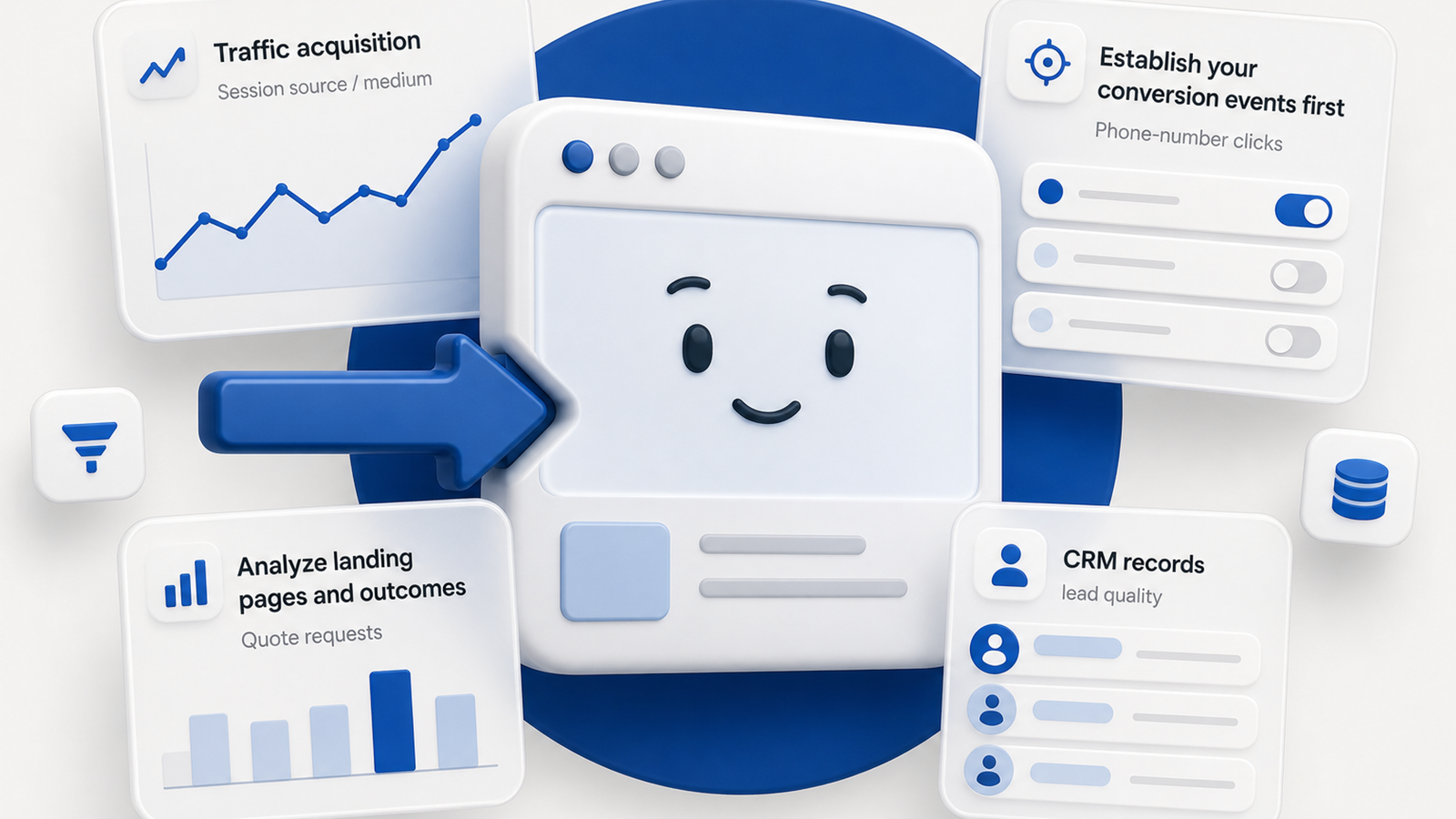
Quick answer: AI search referral traffic tracking identifies website visits that analytics records as arriving from AI-platform referrers, then connects those visits to meaningful lead actions. Build a GA4 report for recorded AI referrals, review the landing pages and conversions they produce, and track AI recommendations and citations separately. Check the same scorecard each month to identify the pages, business facts, and local signals that need work.
AI search referral traffic tracking measures identifiable clicks, not every way an AI answer can influence a customer. A person may see your business in an AI answer, search for your name later, call from Google Maps, or visit directly. Track recorded referral sessions in GA4, lead progression in your CRM, and observed AI recommendations as separate signals.
RankSimply helps local businesses monitor AI recommendations and citations, then coordinate the profile, review, citation, schema, competitor, and content work behind recurring visibility gaps.
What does AI search referral traffic tracking actually measure?
AI search referral traffic tracking measures visits to your website where an analytics system receives an AI-related referrer and records that source for the session. It provides click-level evidence, not a complete record of AI discovery, AI recommendations, or revenue from every AI-influenced customer journey.
A referrer is source information a browser can send when someone follows a link. When an AI product passes that information through, GA4 may classify the session under a source and medium such as a platform domain and referral.
Keep these four signals distinct:
| Signal | What it records | What it does not establish |
|---|---|---|
| AI referral traffic | A tracked website session from a recorded source | Every person who used AI during research |
| AI citation | Your site or another source shown in an AI answer | That a person clicked or contacted you |
| AI recommendation | Your business named as an option for a prompt | That it appears for every prompt or market |
| AI-influenced conversion | A lead that reports AI-assisted research | That AI alone caused the sale |
For example, a customer may ask an assistant for a contractor, see your business mentioned, search your name later, and call from a number shown in search. GA4 may record a branded organic session, a direct session, or no website session before the call.
That is why traffic reporting should not become a proxy for visibility. Our guide to measuring AI search referral visibility explains how to put recorded visits and observed AI answers in one scorecard without combining them into one attribution number.
Which AI search visits can GA4 attribute?
GA4 attributes an AI-related visit when a visitor reaches your site and usable referrer information reaches GA4. Visits without a usable referrer cannot be identified as AI referrals in the report.
Referrer data can be affected by:
- AI platform link handling
- Browsers, in-app browsers, privacy settings, or extensions
- Redirects between the AI link and your site
- URLs copied into a browser or shared in a message
- Later visits from search, bookmarks, or direct entry
- Consent settings and analytics implementation on your site
Treat a recorded AI referral as a confirmed tracked click. Treat direct traffic as unknown unless another record identifies its source.
Use session-scoped acquisition dimensions for this work. User acquisition reports how a person was first acquired, which can obscure the source of a later AI-referred visit. When the question is “What sent this visit?”, start with Session source / medium.
How do you set up an AI referral traffic report in GA4?
Set up an AI referral report in GA4 by reviewing Traffic acquisition with Session source / medium, filtering a maintained list of validated AI referrers, and comparing sessions, landing pages, and conversion events. Save the view as an exploration, comparison, or custom channel grouping so the same rules are used each month.
1. Establish conversion events first
A source report is not useful if it only counts sessions. Confirm that GA4 records the actions that matter to your business, such as:
- Phone-number clicks
- Contact-form submissions
- Appointment or consultation starts
- Quote requests
- Direction requests
- Online booking completions
- Qualified leads passed from a CRM
Mark meaningful completed actions as key events or conversions in your reporting process. A button click can show engagement, but it is not the same as a booked appointment or qualified opportunity.
For offline and assisted conversion paths, pass a lead ID, source detail, and lead status into your CRM where possible. Ask intake staff a consistent question, such as “How did you first hear about us?” Store that answer as self-reported attribution rather than replacing recorded acquisition data.
2. Review Traffic acquisition
In GA4, open Reports → Acquisition → Traffic acquisition. Change the primary dimension to Session source / medium and choose a date range large enough to show a useful pattern.
Look for referral sources related to AI assistants in your own property. Record the exact source / medium values before creating rules. A generic domain list is not a substitute for the sources your analytics actually records.
3. Create a reusable AI-referral view
Choose the format that fits your reporting process:
- A comparison for recurring report checks
- An exploration for source, landing-page, and conversion analysis
- A custom channel grouping for a persistent AI-referral channel
Build rules from validated session sources rather than a broad “AI” label. Keep a source-by-source breakdown beside the grouped view.
The group answers, “What did identifiable AI referrals do?” The breakdown answers, “Which recorded source sent them?”
4. Analyze landing pages and outcomes
Apply the AI-referral segment or comparison, then review the landing-page dimension. For each page, compare:
- Sessions and engaged sessions
- Phone clicks, form submissions, booking starts, and quote requests
- The page’s service, location, and intent match
- Mobile usability and contact-path clarity
- Whether the page provides enough evidence for the visitor to take the next step
A page can attract AI-referred visitors but lose leads when it answers the wrong question, lacks service or location specifics, or creates friction between research and contact.
Which AI referrer sources should you include in tracking rules?
Include AI-related referrer sources that appear in your own analytics or logs, and maintain the list as your recorded sources change. Start with platforms relevant to your audience, such as ChatGPT, Perplexity, Gemini, Claude, Copilot, Grok, and Google experiences, then validate each source before including it in reporting.
Use a source taxonomy like this:
| Category | Rule input | Reporting treatment |
|---|---|---|
| Confirmed AI referrer | Exact source / medium seen in GA4 | Include in the AI referral group |
| Candidate AI referrer | Source found in a recent export or log | Validate before adding |
| Google AI-related visit | Google source without a clear AI identifier | Keep separate from AI referrals |
| Direct or unknown visit | No usable referrer | Do not classify as AI traffic |
| Bot or crawler request | Non-human request in logs | Exclude from visitor reporting |
Document each change with the source value, date added, reason, and report owner. This gives the team a clear record of what the AI-referral channel includes.
UTM-tagged links can improve attribution in controlled campaigns. They do not classify organic AI discovery because you do not control the links an assistant may display in an answer.
How should you separate AI referral traffic from bots, direct visits, and other noise?
Separate AI referral traffic by using session-level referrer evidence for human website visits, keeping direct traffic unclassified, and reviewing server logs separately for crawler activity. A crawler request, a recorded referral session, and a later direct visit are different events and should not be combined into one “AI traffic” number.
First, inspect suspicious source rows and landing pages. A source that produces unusual engagement patterns, requests unusual files, or never triggers normal page behavior needs technical review. Analytics configuration, consent handling, and bot filtering rules also affect reported traffic.
Second, distinguish crawler activity from referred visitors. Server logs can show requests from user agents, including requests associated with crawlers. Those requests show that a crawler reached your site; they are not customer visits or evidence that your business appeared in an answer.
Third, do not treat a direct-traffic increase as proof of AI discovery. Compare it with branded search demand, intake responses, call records, AI prompt monitoring, campaign activity, site changes, and seasonality.
What should local businesses track beyond AI referral sessions?
Local businesses should track AI-referred sessions alongside lead actions, lead quality, bookings, calls, direction requests, and observed recommendation visibility. Many people research online but convert through a call, appointment system, map listing, or in-person conversation.
A useful monthly dashboard separates five measurement layers:
| Layer | Core question | Example measures |
|---|---|---|
| Referral traffic | Did a tracked AI source send a visit? | Sessions, landing pages, key events |
| Local actions | Did the visitor try to contact or visit? | Calls, forms, directions, bookings |
| Lead quality | Was the inquiry a real fit? | Qualified leads, attended appointments |
| Revenue outcomes | Did qualified leads become customers? | Closed jobs, recorded revenue |
| AI visibility | Is the business mentioned or recommended? | Prompt observations, citations, answer accuracy |
Lead quality is often the missing layer. One source can send fewer sessions but produce more viable calls or booked consultations. Another can send traffic from people outside your service area or looking for services you do not offer.
RankSimply monitors selected prompts across ChatGPT, Claude, Gemini, Perplexity, Grok, Copilot, and Google AI Overviews. It records observed answers and citations, competitor share of voice, answer sentiment, and AI crawler user-agent activity. These findings belong beside GA4 and CRM outcomes, not in place of them.
How do GA4, server logs, CRM attribution, and AI visibility monitoring work together?
GA4, server logs, CRM attribution, and AI visibility monitoring answer different questions. Use them together to identify where customers arrive, what they do next, whether they become qualified leads, and whether your business is being recommended for priority local questions.
| Method | Best for | Primary output | Review cadence |
|---|---|---|---|
| GA4 | Recorded sessions, landing pages, on-site events | Referral traffic and key-event data | Monthly, with trend checks |
| Server logs | Requests, referrers, crawler activity | Technical request records | Monthly or during technical reviews |
| CRM attribution | Qualified leads, appointments, closed revenue | Lead quality and sales outcomes | Ongoing, then monthly |
| AI visibility monitoring | Mentions, recommendations, citations, answer accuracy | Prompt-level visibility findings | Repeatable prompt checks |
The outcome is a scorecard that separates confirmed AI-referred visits, observed AI recommendations, and lead outcomes. Review the same reporting period and documented prompt set each month, then compare the results with the baseline.
For each prompt check, record:
- Market and location context
- Exact prompt wording
- Date
- Platform
- Whether the business was mentioned, cited, or recommended
- Competitors named
- Sources visible in the answer
- Accuracy of business facts and service details
Then use a post-measurement workflow:
- Find the gap. Identify low-converting AI-referred landing pages, inaccurate answers, missing recommendations, or weak lead quality.
- Check the business evidence. Review service pages, location details, contact data, profile completeness, reviews, citations, and schema against the gap.
- Prioritize the fix. Correct inaccurate business facts and conversion blockers before publishing broad new content.
- Assign the work. Give each profile, review, citation, schema, landing-page, competitor-research, or content task an owner and due date.
- Recheck the same evidence. Compare the next reporting period with the baseline and confirm whether the gap was addressed.
If a recurring AI answer describes an outdated service area, correct the business facts across relevant profiles, citations, schema, and location pages. Our guides to improving business profiles for AI search and using a local business AI search checklist provide a practical starting point.
Frequently asked questions
Can GA4 track traffic from ChatGPT?
GA4 can track a ChatGPT-related visit when a visitor reaches your site and usable referrer information reaches GA4. The visit may appear under a source / medium value associated with the referring domain and referral.
It does not identify ChatGPT research that produces no website click or reaches your site later without an identifiable referrer.
Why does AI search traffic sometimes appear as direct traffic?
An AI-assisted visit can appear as direct traffic when referrer information is not passed, is removed through browser or app handling, or the person later types, bookmarks, shares, or searches for your site.
Keep direct traffic unclassified. Use intake responses, branded-search trends, call records, and AI prompt monitoring to investigate a potential AI-assisted discovery pattern.
Is AI referral traffic the same as being cited or recommended in an AI answer?
No. AI referral traffic is a recorded website session with an identifiable referring source. A citation is a source displayed in an AI answer, while a recommendation is an answer that names your business as an option.
A citation or recommendation can occur without a website click, and a click can occur without a recommendation.
Which conversion events should a local business use to measure AI-referred leads?
Track actions that indicate genuine contact intent:
- Phone clicks
- Contact-form submissions
- Appointment starts
- Quote requests
- Direction requests
- Completed bookings
Connect these actions to CRM stages such as qualified lead, attended appointment, closed job, and recorded revenue. Keep micro-actions separate from confirmed leads.
Should I use server logs as well as GA4 to track AI traffic?
Use server logs alongside GA4 when you need a technical view of requests, referrers, or crawler activity. Logs help investigate what reached the server, while GA4 shows on-site session behavior and tracked conversions.
What should you do after setting up AI referral tracking?
After setting up AI referral tracking, establish a baseline, review it monthly, and turn recurring visibility or conversion gaps into specific local-business improvements.
Use GA4 for recorded visits, CRM records for lead quality, and repeatable AI checks for recommendation visibility. If reports show weak landing-page conversion, review service details, location relevance, proof, and the contact path. If AI checks show incomplete or inaccurate business information, prioritize the profile, review, citation, schema, competitor, and content work behind that gap.
RankSimply monitors recommendation visibility and coordinates the fixes after software identifies gaps. A person on our team approves every change before it goes live. Start with a free AI visibility report with no signup.